
Our Blog
Insights, tutorials, and updates from the team.
How to git push after rebase?
In this post, you’ll know how to perform a successful git push after rebase. Pushing changes to the remote origin is nothing new. But there are some situations where the push may be rejected. Or it can override someone else’s progress.

How to make an HTML table scrollable (vertically & horizontally)?
In this post, I will show you how to make an HTML table vertically scrollable. You’ll also learn how to make the table header sticky when scrolling. End of this post, you’ll see how to make the table horizontally scrollable. Last but not least, those tables will be mobile-responsive.
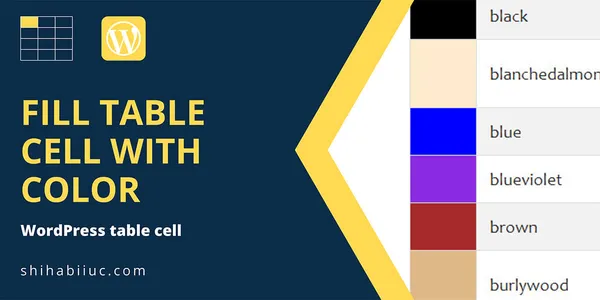
How to fill a table cell with color in WordPress Gutenberg?
Are you struggling to fill WordPress table cells with color? This post will show you the simplest solution. Recently I needed to fill a couple of table cells with colors in WordPress Gutenberg. Also, I did not want to use any table plugin for this purpose. Because I always try to use plugins as lowest as I can. Anyways, I discovered that WordPress does not have any built-in feature to fill a table cell with colors. I tried to use the “Highlight” option in the WordPress table.
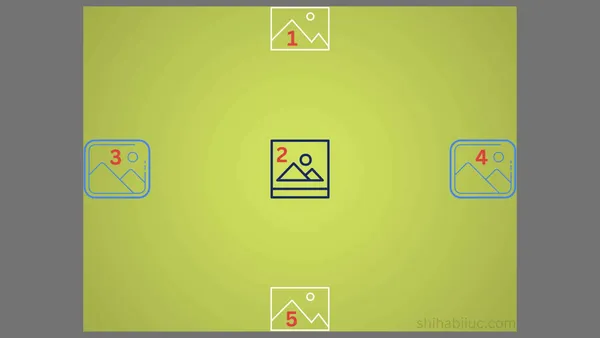
Center an image in various directions & methods
In this post, I will show how you can center-align an image in various directions & using different methods (CSS). Any HTML element can be centered horizontally, vertically & both.
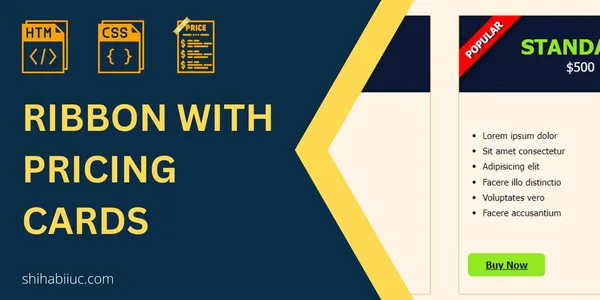
How to create a pricing card and ribbon (only HTML & CSS)?
In this post, I will show how you can create a simple ribbon in pricing cards. Also, I will give you a downloadable template that contains 3 pricing cards and a ribbon.

How to create any type of circles with CSS?
To create a circle using CSS, you need to apply 50% border-radius to all four corners, and the element should be equal in width & height (square). Not to mention, there are some exceptions that I will explain as we go through the examples.