
Our Blog
Insights, tutorials, and updates from the team.

How to create a preloader using HTML, CSS, JavaScript?
There are hundreds of ways to create a preloader for your website. But in this post, I will show you how to create a gorgeous preload spinner only using HTML, CSS & a few lines of JavaScript. However, you can also convert/implement this preloader on WordPress websites.

Roofing website template for download (Responsive)
This post will give you a static template for your roofing website. I built this template from scratch. You can use it for free. You can also convert this template or create the same layout on WordPress, Squarespace, Wix, etc. This template is unique, mobile responsive, fast loading, easy to manage/edit & professional. This will be an inspiration for anyone who needs a roofing website.
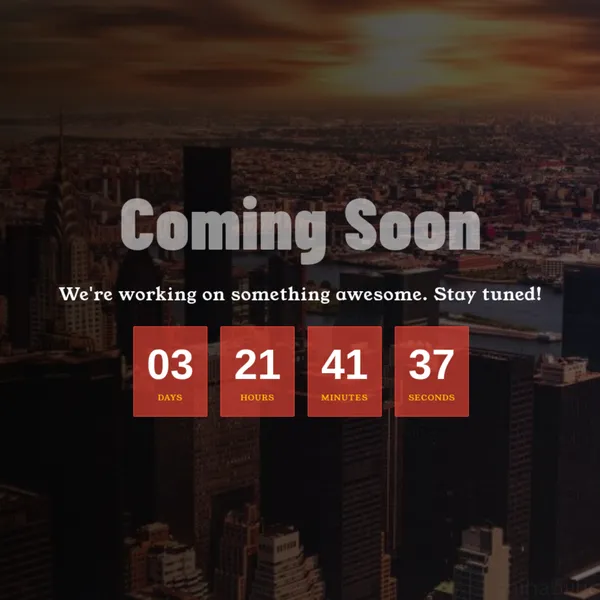
How to create a static coming soon page?
To create a coming soon template or page, the most important part is the countdown timer. You can come up with any styles but your audience may want to see the remaining time to go live. This post will show you how to create a static coming soon page only using HTML & CSS. I used a few lines of JavaScript only for the countdown timer
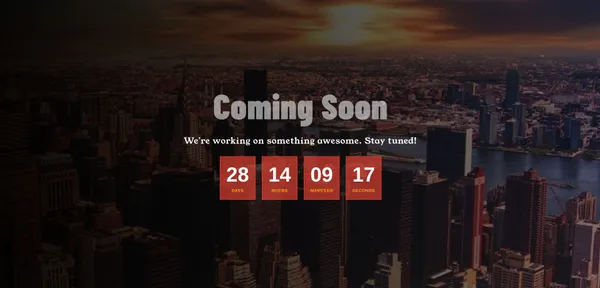
Download Elementor coming soon page templates
Here you can download two coming soon templates for Elementor. Ready to use - Just download and import to your website. Two examples included.

13+ Animated background CSS examples (source code included)
I will show you some exceptional animated backgrounds. I only used CSS to create those animations. There is no JavaScript involved. You’ll see all the demos and get the code (HTML & CSS).
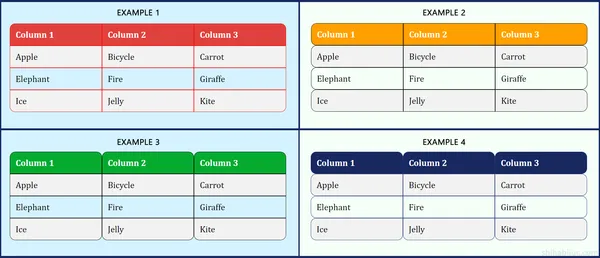
How to make a table rounded with CSS? (4 examples)
This post will show you a couple of ways to make rounded tables with CSS. Also, I will show you different types of rounded tables such as rounding 4 corners, rounding rows, columns, etc. See the examples in the screenshot below that we’re going to build.