
Our Blog
Insights, tutorials, and updates from the team.
![9+ Elementor PRO header templates [free download]](/_astro/web-design.IcuR0Ctv_Z6tQrR.webp)
9+ Elementor PRO header templates [free download]
To use these header templates, you need a premium version of Elementor. After you download a header template, log in to your WordPress website, navigate to “Templates » Theme Builder » Header.” If you do not have an existing header then click “Add New” otherwise, edit the existing header. Either way, add a new template from the widget panel, go to the tab “My Templates” and upload the template that you have downloaded from here. And then insert the template to the header. That’s all! Therefore, if you still have any issues, feel free to reach out to me.

How to right-align an image in HTML CSS?
In addition to the right-aligned images, you’ll also learn to align the image on the top-right, middle-right, and bottom-right corners.
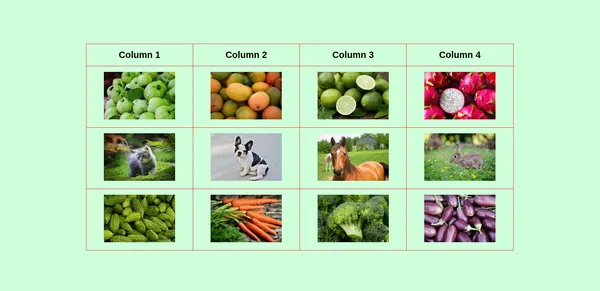
How to add images to an HTML table?
Adding and aligning images to an HTML table.
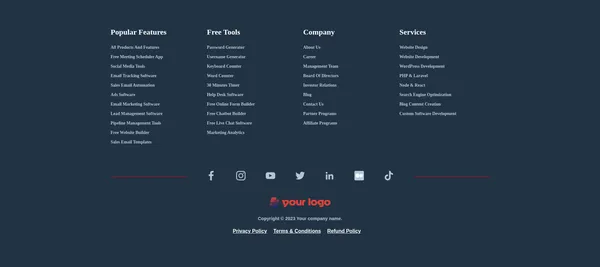
Footer Templates (HTML, CSS) - 3 Examples
Here, you will get a couple of footer templates. Each template is ready to use - you just need to replace links. These are mobile responsive.

What are tr, th & td in an HTML table?
This post will explain table tags and make you understand about their workflow.
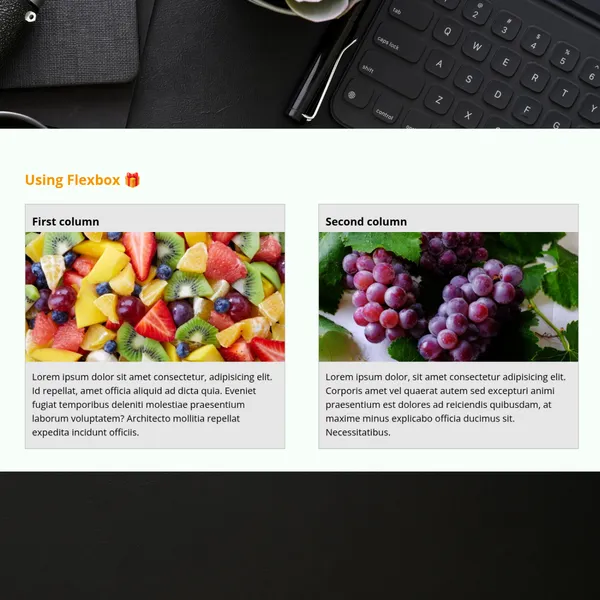
Two-column layout HTML CSS
In this post, you’ll see how to create a two-column layout in HTML CSS. Also, you’ll learn how to make this layout mobile responsive. That means the layout will automatically break into one column on small screens.